


Before making any new bookings on the new Aeroplan platform, I wanted to see how easy it is to set up family sharing. I must admit I was pleasantly surprised at how easy it was and how instantaneous it was too.
Firstly you need to decide who will be the Family lead. The rule to follow here is to select the Aeroplan Elite Status Member or primary Credit Cardholder so everyone can benefit from their preferred pricing. Also, up to 8 family members can join together to share points – while keeping their own Aeroplan accounts.
The steps to set this up is pretty straightforward.
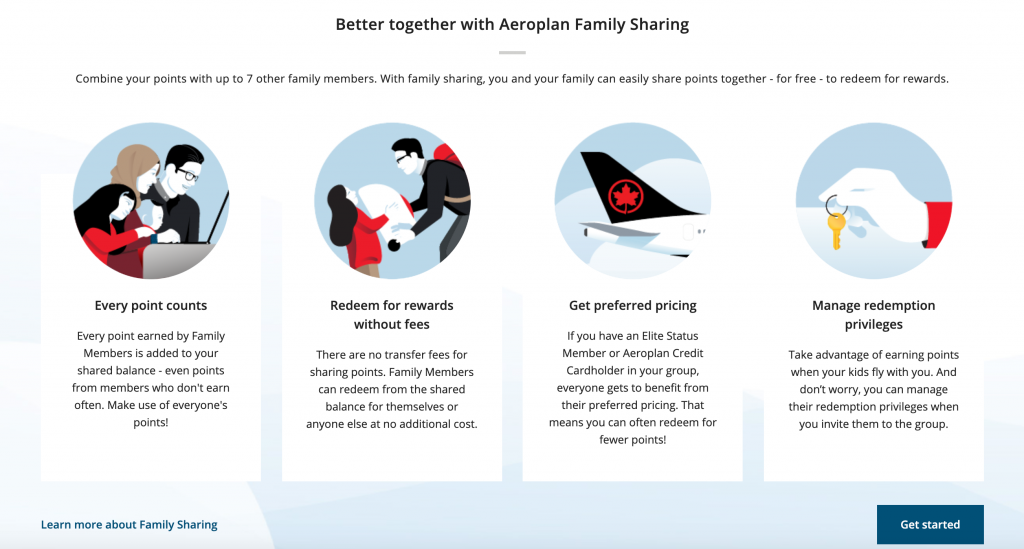
Step 1
Log in to Aeroplan as the Family lead and “Get started”
Step 2
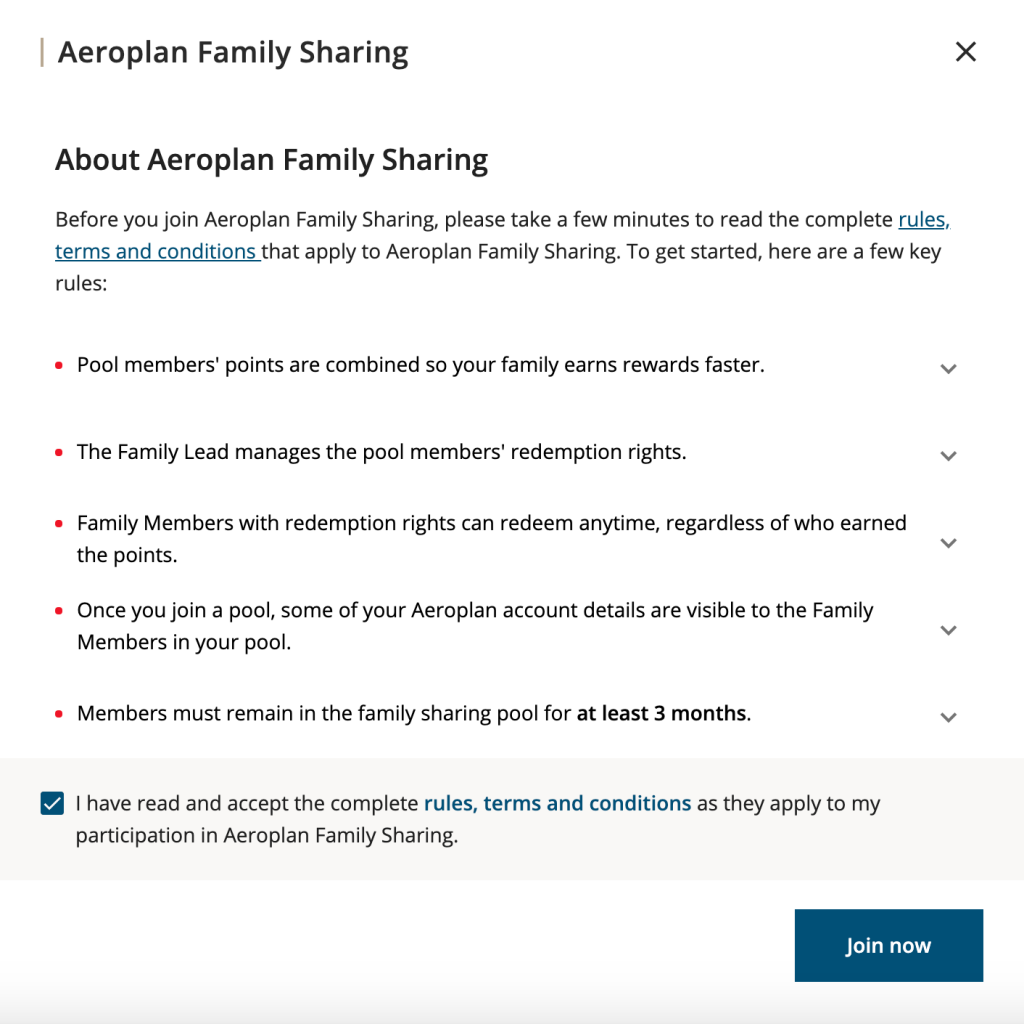
Read and accept the complete rules, terms and conditions.
Step 3
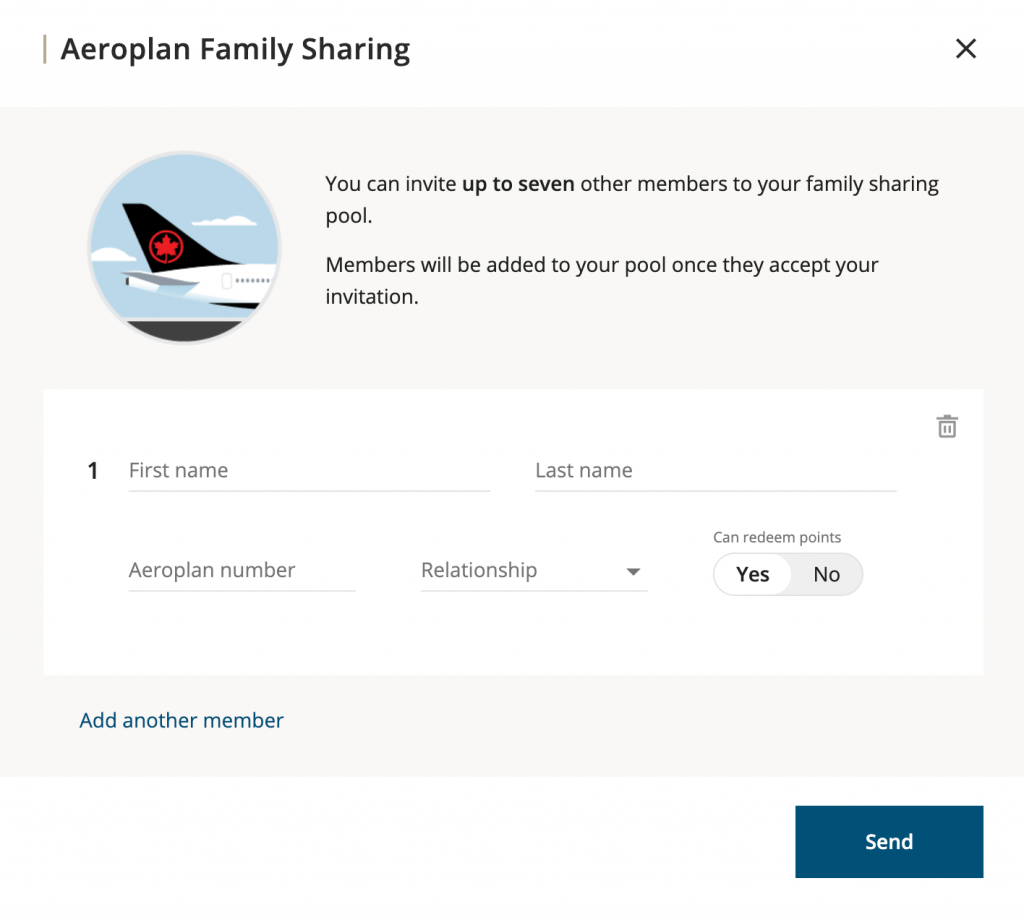
Enter the details of the other member you want to join your pool.
One important option to select here is their ability to redeem points from the pool also.
Step 4
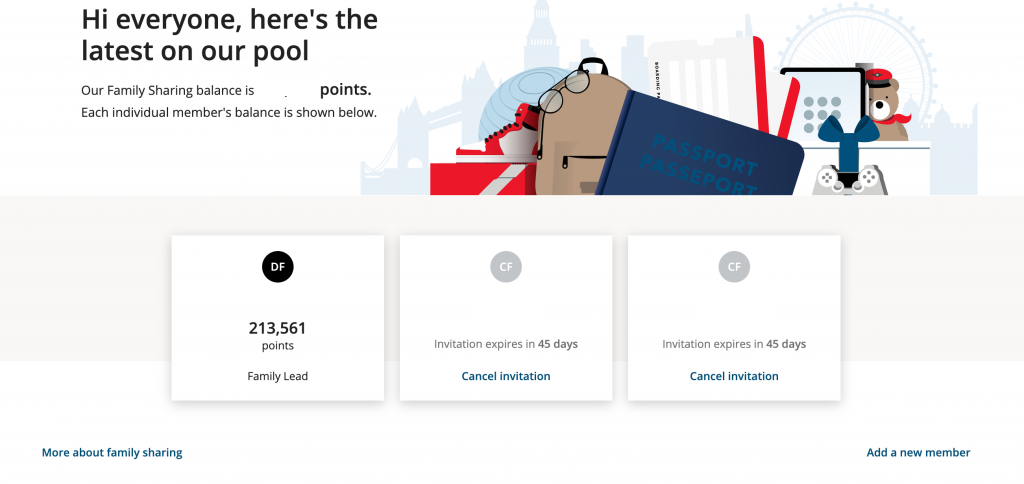
Once you have completed Step 3 above, it will show you the list of members that you have invited, and awaiting for them to accept.
Note this is not via an email but will be shown within Aeroplan when the other member logs into their own account.
Step 5
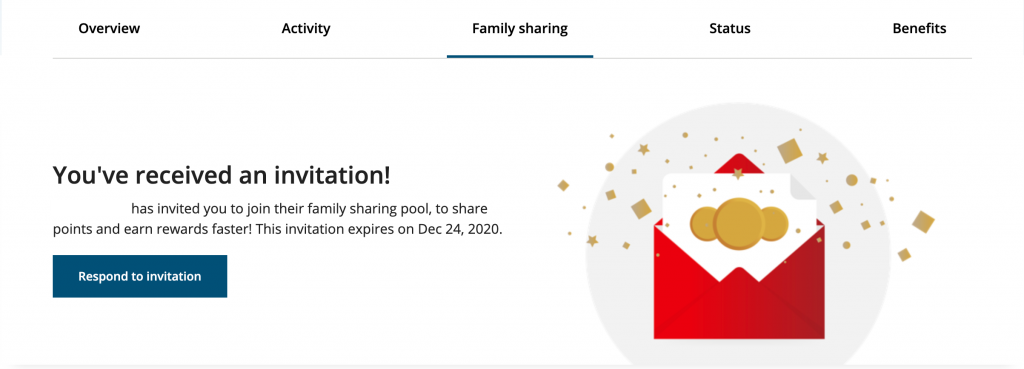
When the other member invited to join the pool logs into Aeroplan;
they will see the invitation requiring a response.
Step 6
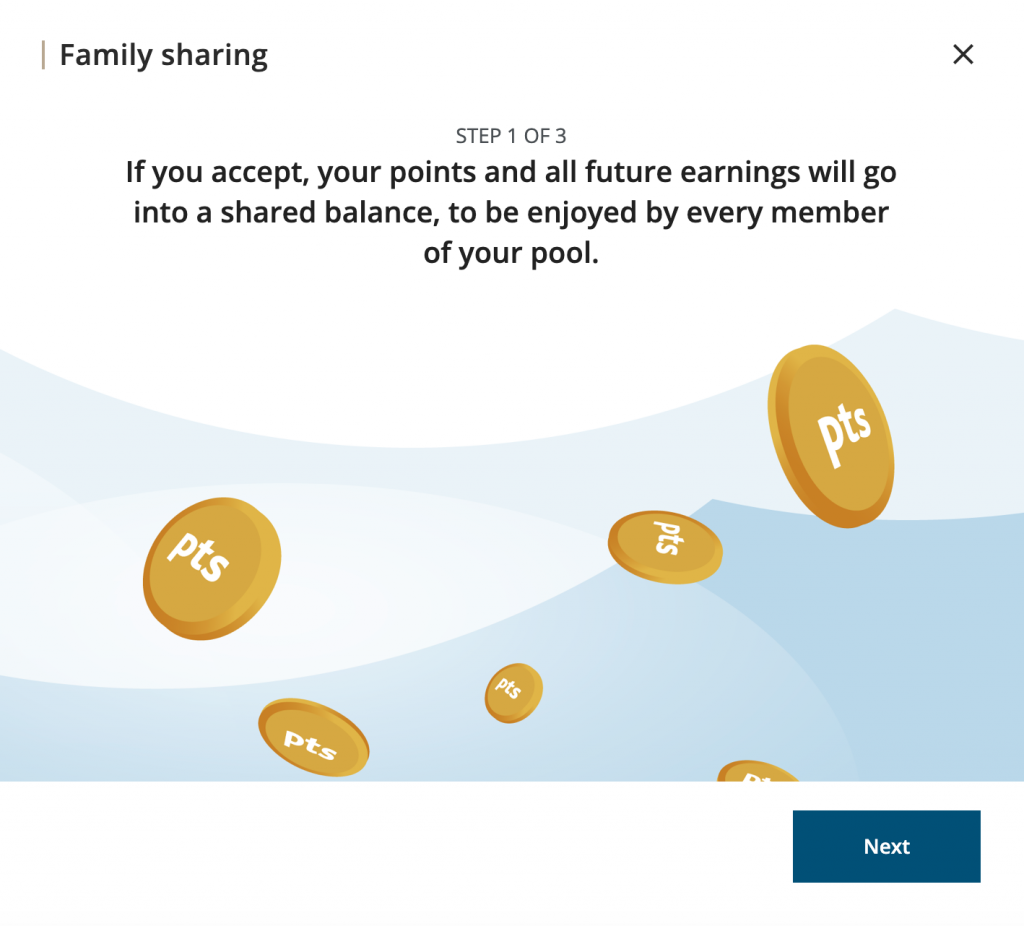
It warns the member joining that all points and future earnings will go into a shared balance for every member to dip into.
Step 7
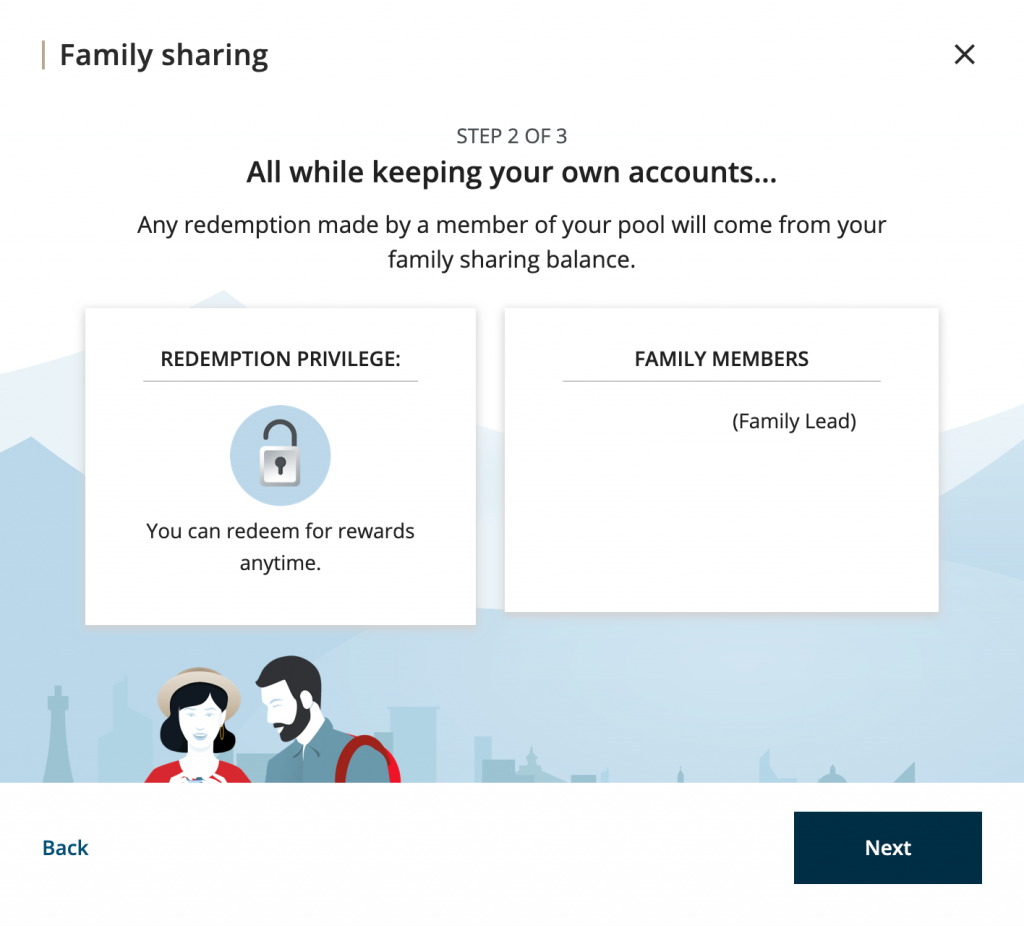
It advises that you can redeem and also shows who is the Family Lead of the pool.
Step 8
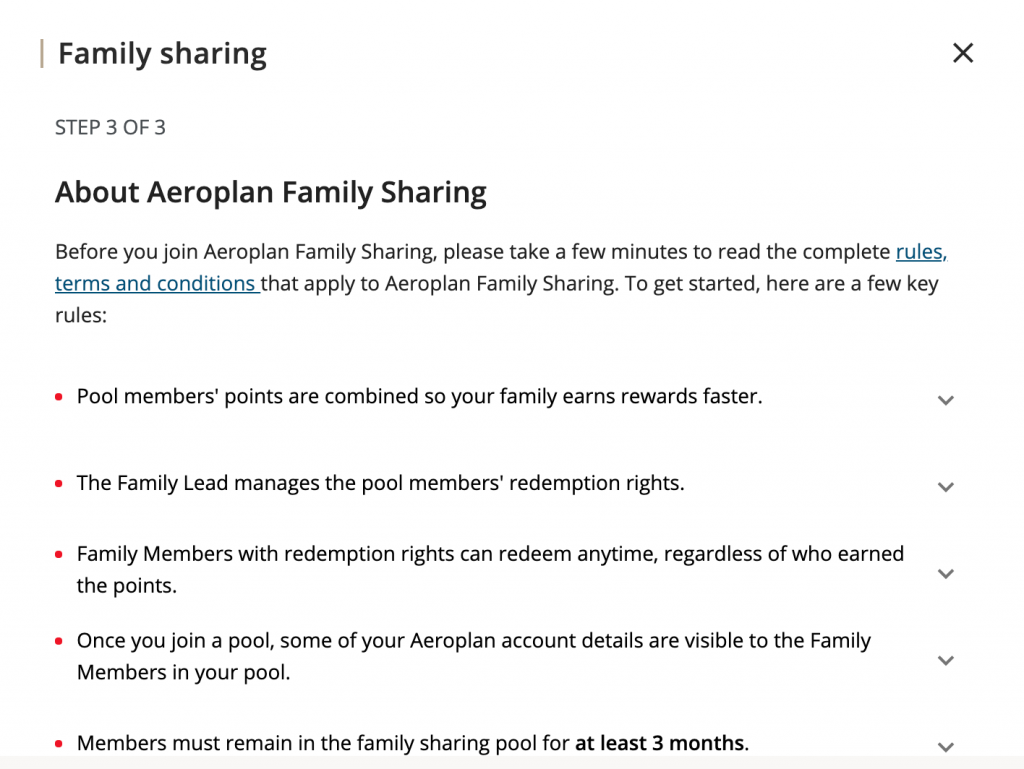
It explains the details of the Family Sharing feature that you have to read and accept before joining.
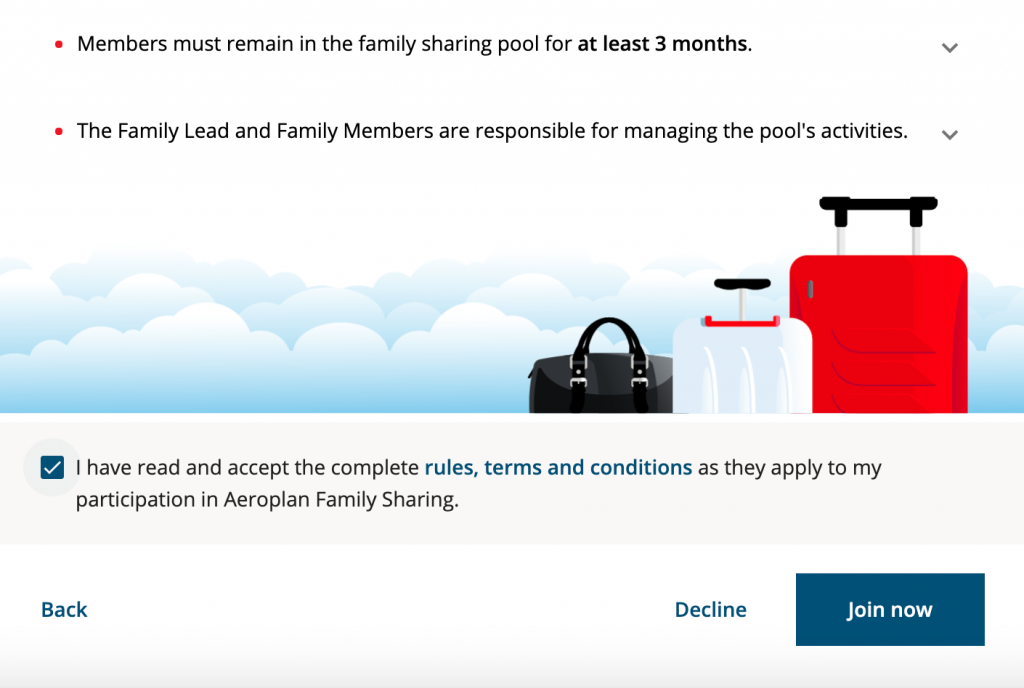
Step 9
Once you have joined, it shows you the family points balance and also the individual points balance.
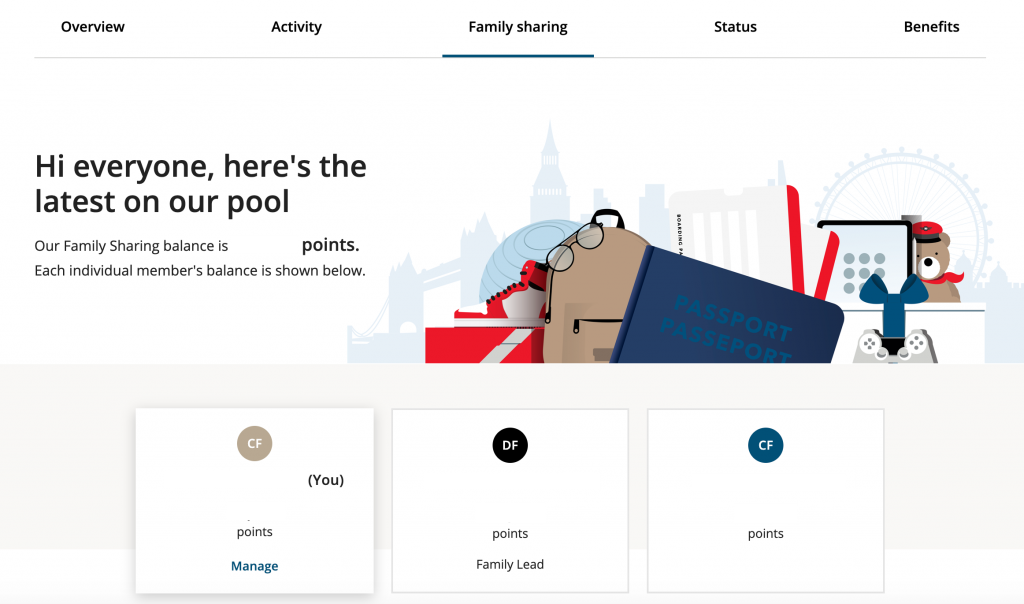
Its as simple as that and all balances add up instantaneously.
Great work Aeroplan on making this a simple process.
Written by Dominic Fernandes aka CanadaPointsGuy.
Image Photo by Jude Beck on Unsplash
This sounds so easy a process – BUT – now that we have set up two members, the family sharing balance still shows 0 points (balance should be over 150000 points). This is keeping us from purchasing our tickets overseas. 2 hours waiting on the phone for help and I still can’t through to someone.
Aeroplan knows of this issue – its random and temporary and will reset/correct itself.
I set family planning up two days ago. Balance showing as 0 should be 250K, similar to John’s comment. I’m phoning Aeroplan from Australia late at night been on music for 1 hour. Service is just awful. I hope the issue corrects itself as CanadaPointsGuy suggests as I have no other way to resolve!